Filtered, not SSH
Your AI gets the specific log output it asks for — never a shell, never the keys to your box.
MCP access for production logs
LogWiser connects Claude, Cursor, and ChatGPT to approved server logs through a read-only gateway. Your logs stay on your server.
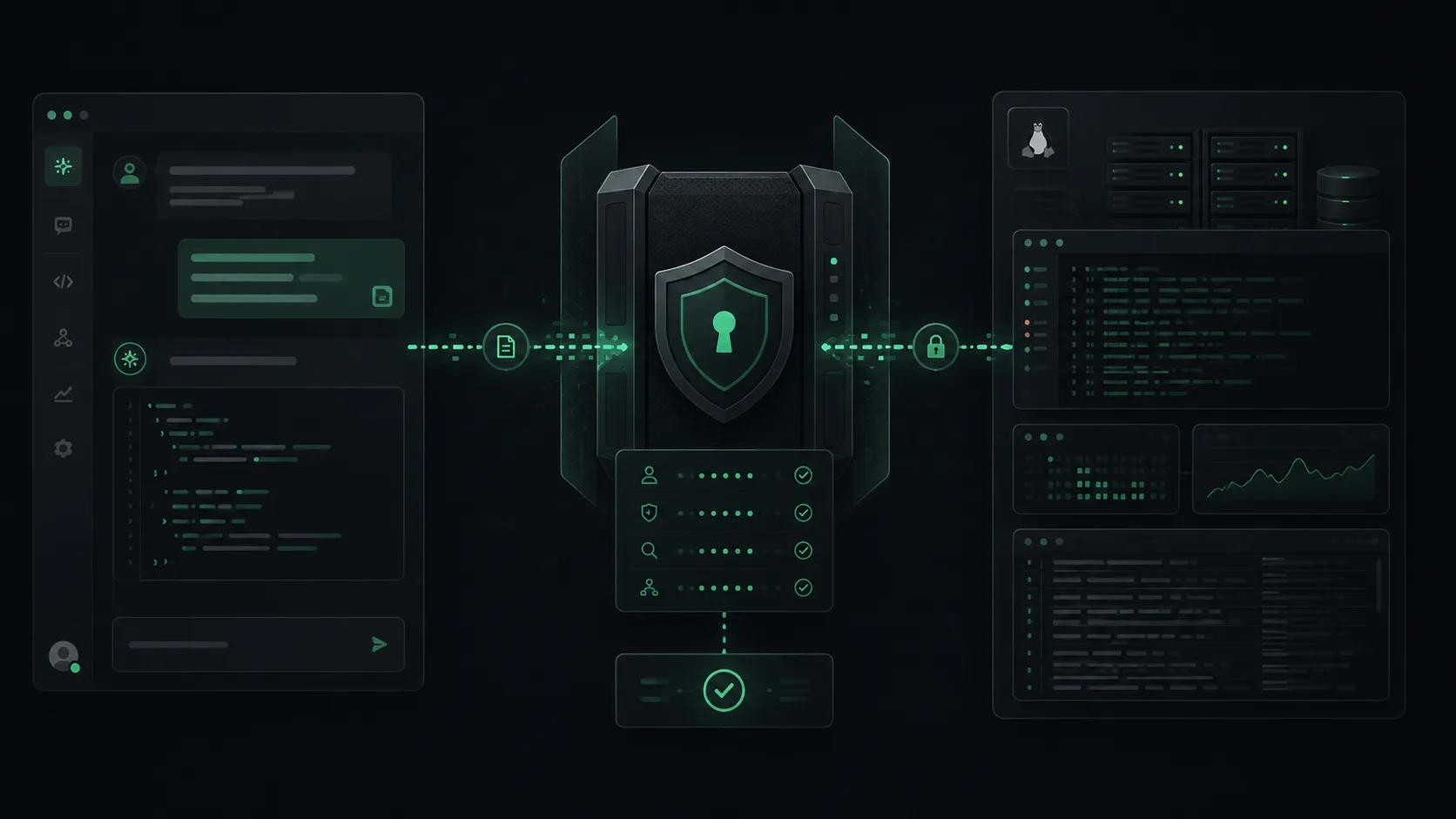
Your AI gets the specific log output it asks for — never a shell, never the keys to your box.
Nothing is continuously uploaded. LogWiser reads on demand and keeps your data under your control.
Claude, Cursor, ChatGPT, and any MCP-compatible agent connect through one gateway.
How it works
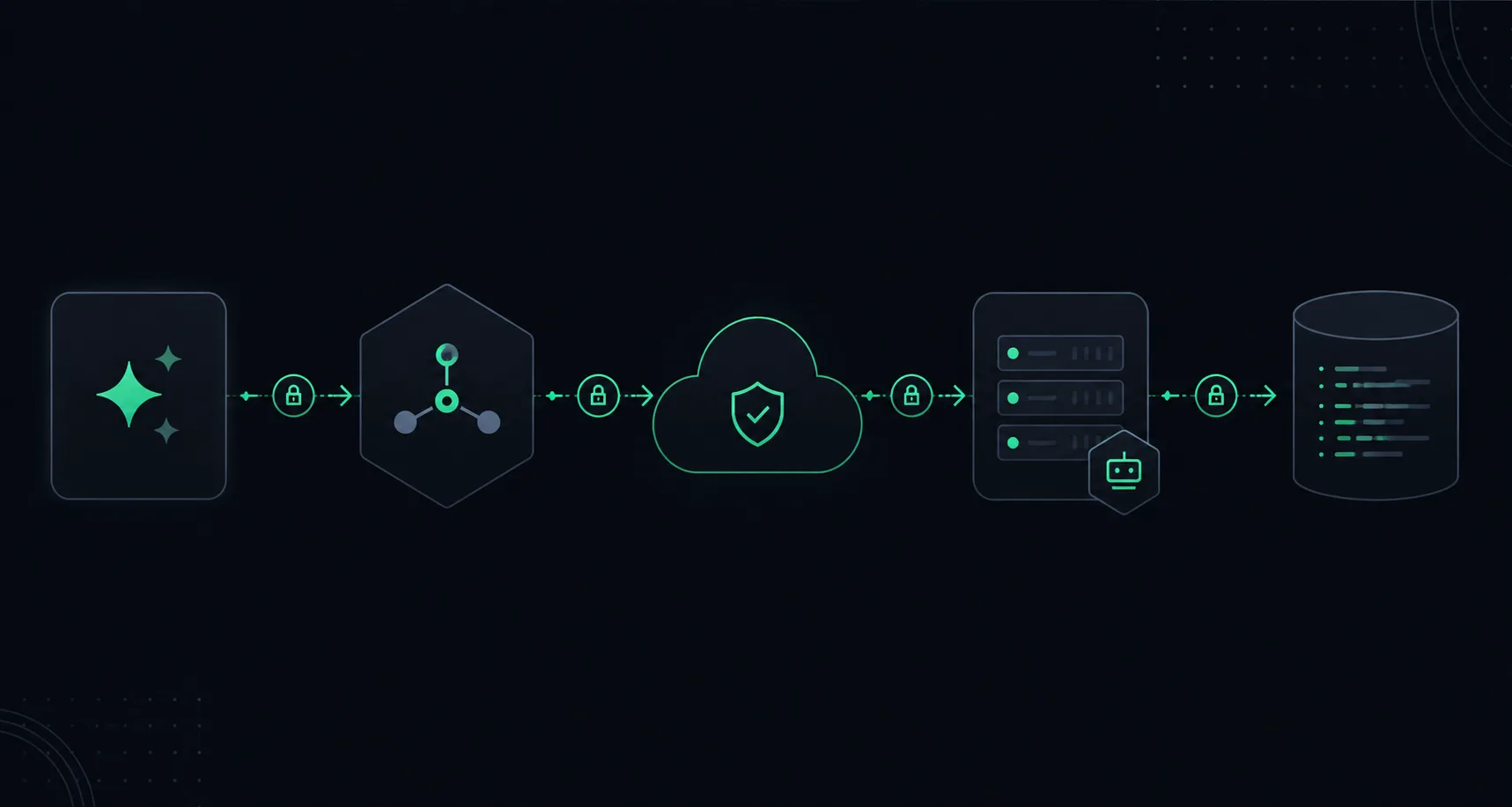
AI Tool -> LogWiser MCP -> Cloud -> Agent -> Server logs
Security model
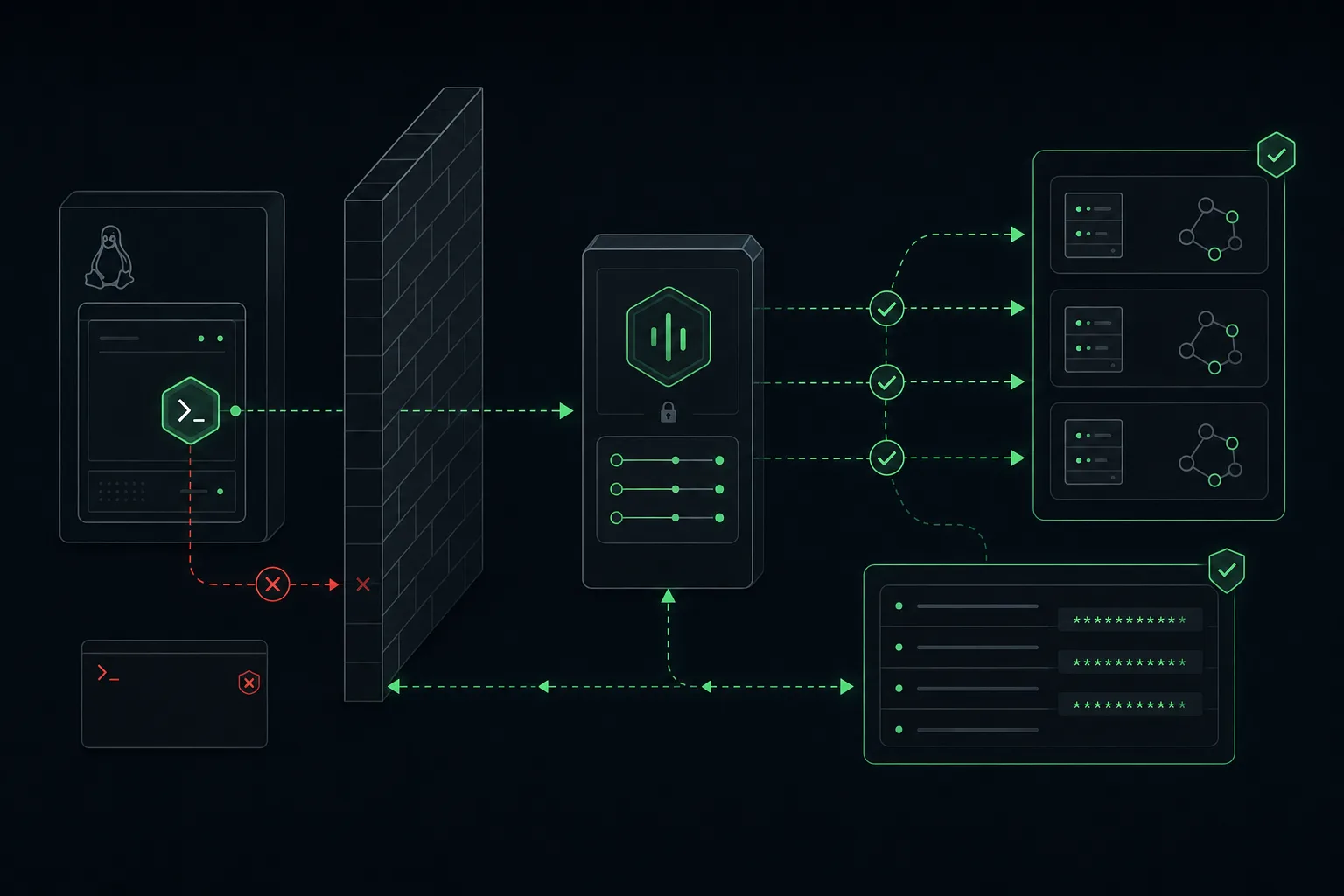
LogWiser checks policy before every request and returns only temporary, redacted output. The agent is outbound-only — there are no open ports and no shell waiting on your server.
Debugging flow
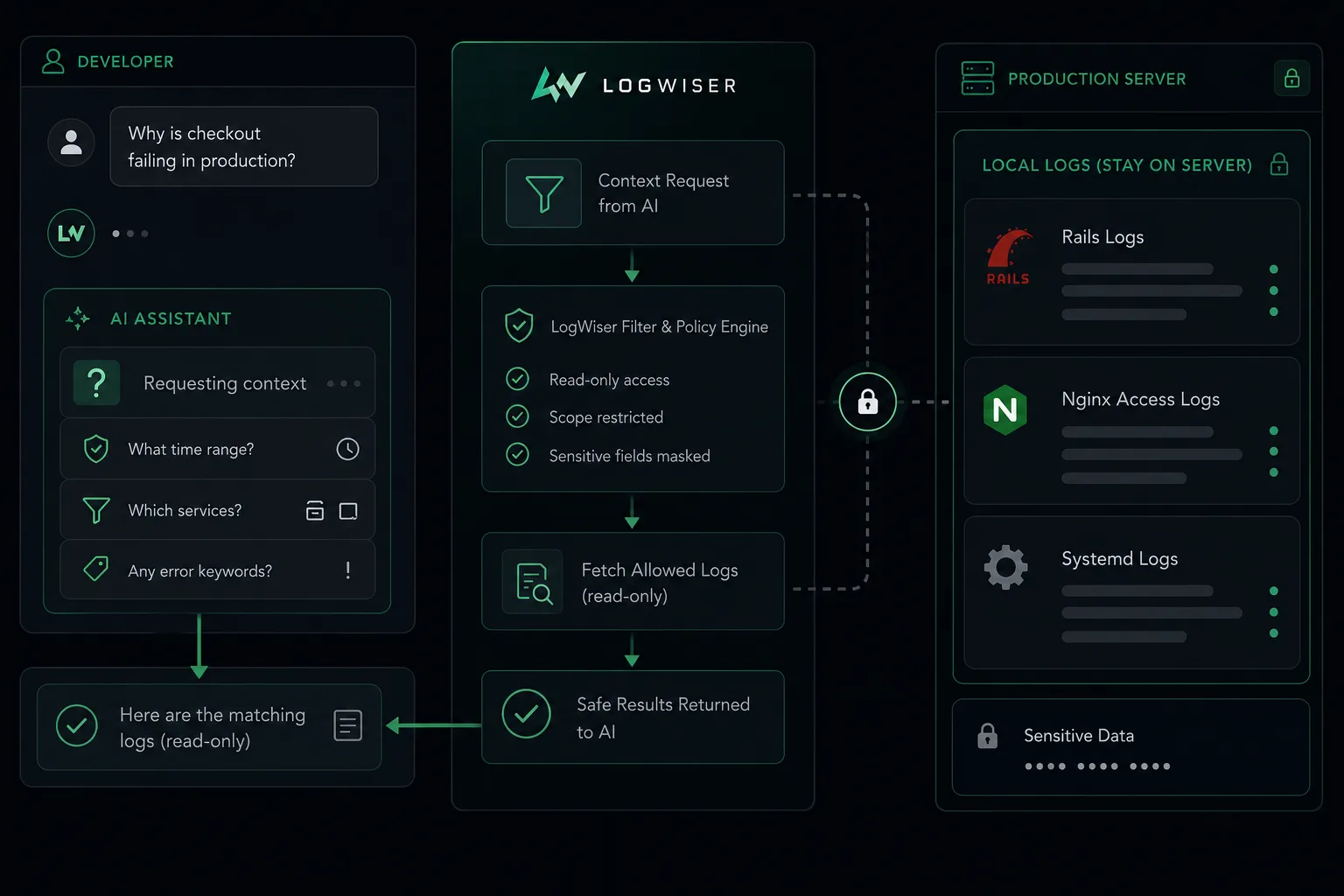
Why is checkout failing?
Check Rails errors from the last 30 minutes
Is Puma down?
Find recent Nginx 502 errors
Is disk or memory causing this?
FAQ
LogWiser is a secure read-only production access layer for AI tools. It lets Claude, Cursor, ChatGPT, and other MCP-compatible agents request logs and basic system output without SSH.
No. LogWiser does not continuously upload or store all production logs. Logs stay on your server, and LogWiser returns temporary command results only.
No. AI tools do not receive SSH or arbitrary shell access. LogWiser runs only allowlisted read-only commands against approved log files and systemd units.
LogWiser is designed for Claude, Cursor, ChatGPT, and other MCP-compatible AI agents that can connect to a Model Context Protocol server.
LogWiser can inspect approved Rails, Nginx, Puma, Sidekiq, Postgres, and systemd logs, plus safe system checks such as disk, memory, uptime, and service status.
Pricing
Start free on a single server and add more as you grow.
Early access
Join the waitlist and we'll reach out as spots open up.